Affiliate Disclosure: Some links on this page earn us a commission. Our editorial judgments are independent.
CrushOn AI Not Working: Diagnose and Fix the Most Common Issues
The fastest path to fixing a CrushOn AI problem is correctly diagnosing which type of problem you have. The same symptom — "chat stopped working" — can mean message limit reached, platform outage, browser cache conflict, or session expiration, and each has a different fix. This guide helps you diagnose correctly before applying fixes.
Diagnosis: Which Type of Problem Is This?
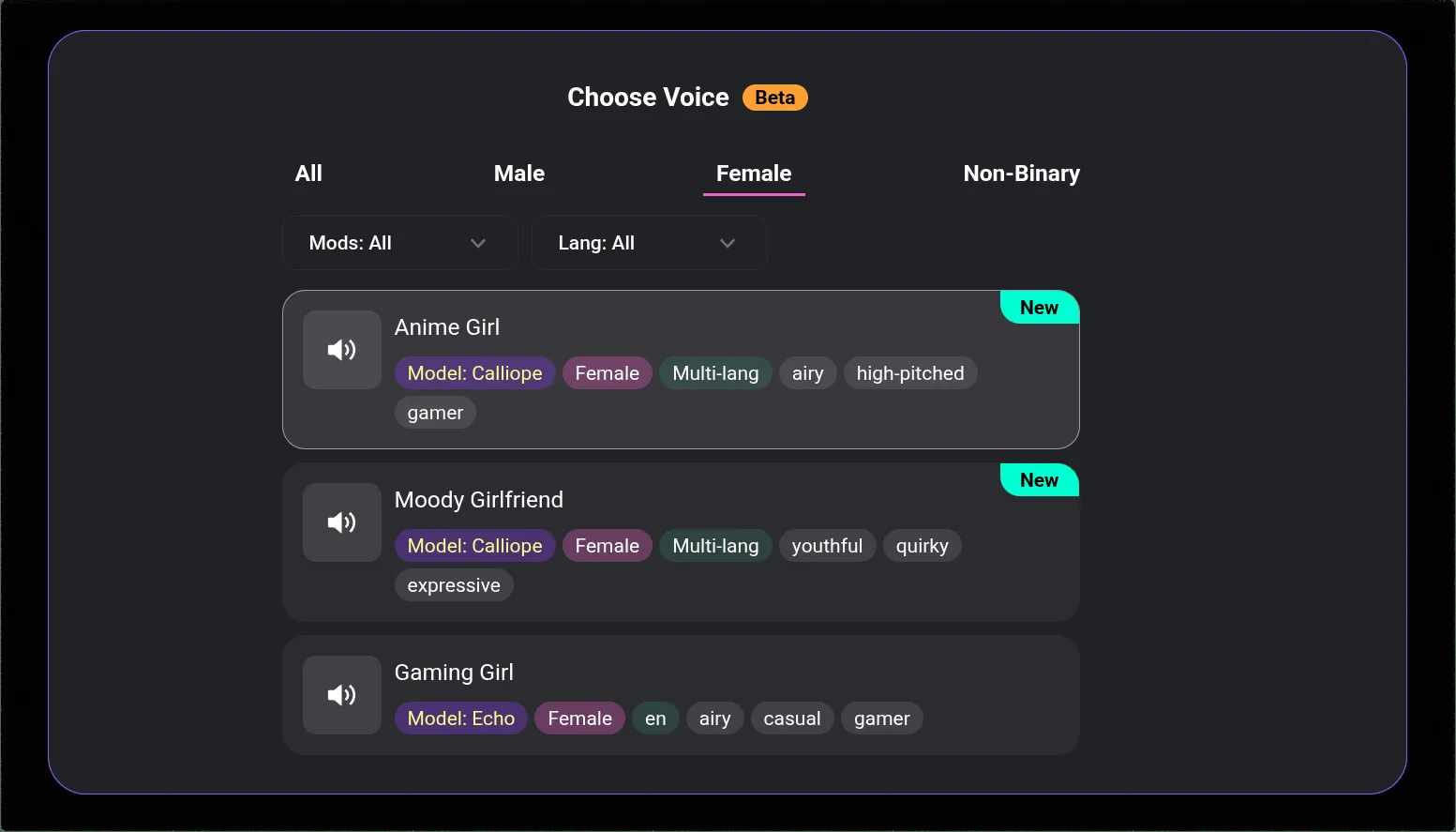
If chat loads but no response generates: Most likely — message limit reached. Check account settings → usage before any other troubleshooting.
If you cannot log in: Account credential issue. See Login section.
If images do not generate: Allocation exhausted, wrong tier, or age verification incomplete. See Image Generation section.
If features are missing after a recent upgrade: Session cache serving old plan data. See Subscription Issues section.
If everything seems slow or broken: Platform-level issue. Check @CrushOnAI on Twitter/X and CrushOn AI Discord for outage announcements before troubleshooting locally.
Message Limit Issues
Free tier: 50 messages per day, resets midnight UTC. If you have hit the limit, no new messages generate until reset.
Standard tier: 2,000 messages per month. Check current usage in account settings → subscription or usage. If at or near limit, coin purchases can extend allocation.
The interface does not always display a clear "limit reached" error — it may appear as if the AI is simply not responding. Always check the usage counter first when chat stops responding normally.
Login Problems
Wrong password:
Use the password reset link on the login screen. Check both inbox and spam for the reset email. If no email: try all email addresses you have used, check spam folder, whitelist crushon.ai in email settings.
Can't find my account:
If you registered via Google or Apple login, use that method — these are separate from email/password accounts. If you registered with email and cannot locate the account, contact support with approximate registration date.
Page stuck loading after correct credentials:
Hard-refresh (Ctrl+Shift+R / Cmd+Shift+R). Clear browser cookies for crushon.ai. Try a different browser. On mobile, clear app cache (Settings → Apps → CrushOn AI → Clear Cache).
Chat and Response Quality Issues
AI responds but ignores character persona:
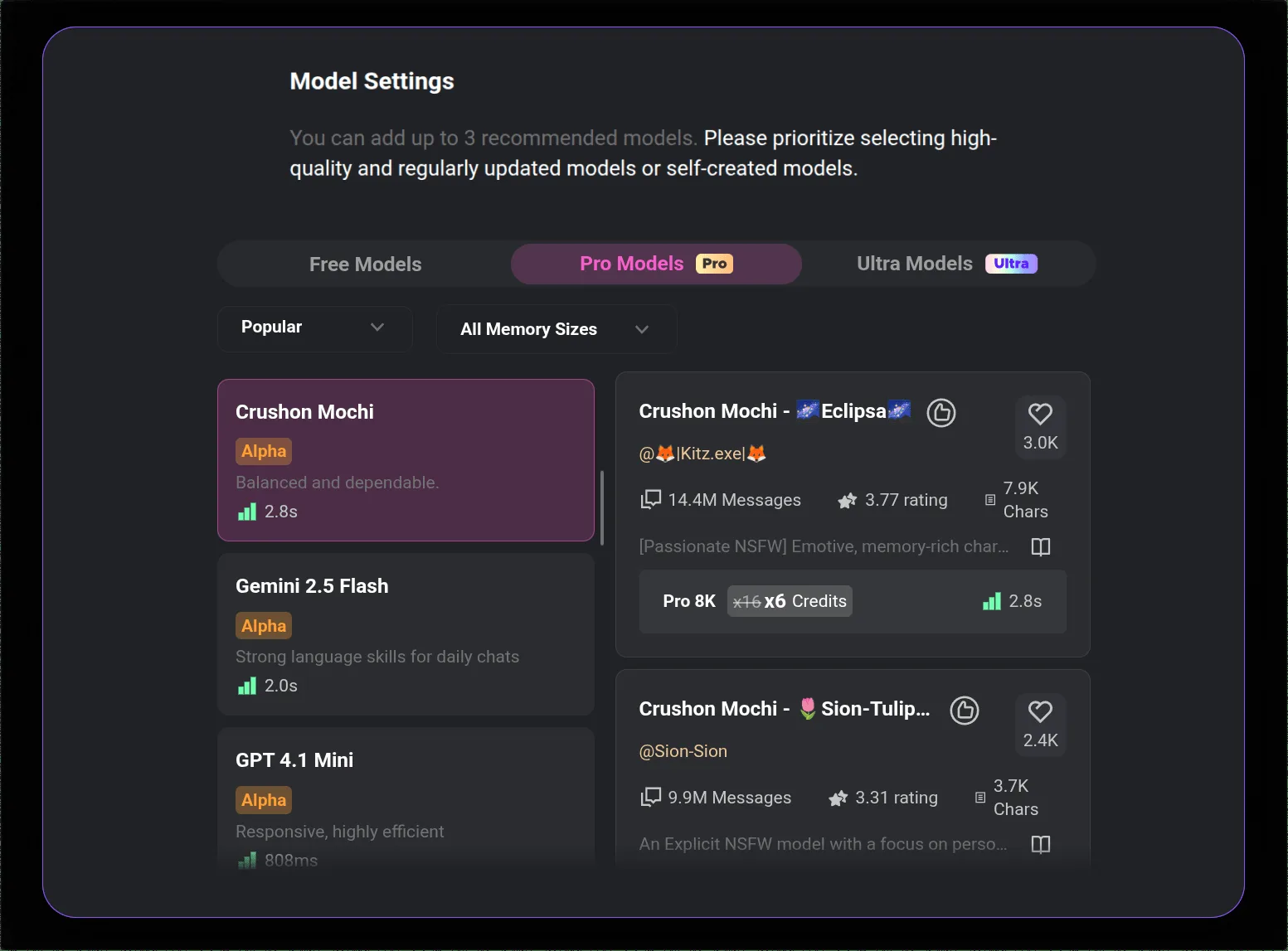
Model quality affects persona adherence. Default free model has weak instruction-following. MythoMax (Standard) and Claude 3.5 Sonnet (Premium) maintain character voice more reliably. If already on a paid tier and personas break consistently, the persona field may contain contradictions — review it for conflicting instructions.
Extremely slow responses:
Server load varies by time of day. Peak US evening hours produce the slowest response times. Wait 10-15 minutes and retry. Check platform status channels if slowness is extreme or unusual for your typical usage time.
Response cuts off mid-sentence:
Usually a temporary server error. Retry the request. If it persists, refresh the page.
Image Generation Issues
No images appearing: Verify image allocation in account settings. Zero remaining allocation = no generation until cycle reset. Confirm subscription tier supports image generation for the quality you expect (HD requires Premium or above).
NSFW images blocked:
Both a qualifying subscription tier (Standard+) AND completed 18+ age verification in account settings are required. Confirm both are in place. Contact support if both conditions are met and NSFW remains blocked.
Corrupted, blank, or unusually poor output:
Reload page or restart app. For persistent issues, clear browser cache specifically for crushon.ai. If image quality is below expected for your tier (Standard images that look like free tier quality), verify your active subscription in billing settings.
Subscription Activation Issues
After upgrading a plan, features should activate within minutes. If they do not:
- Log out and log back in — forces a session refresh with current plan data from the server
- Hard-refresh (Ctrl+Shift+R) — clears cached page data that may be showing old plan
- Wait 15-30 minutes — occasional processing delays occur
- Verify payment — check email for subscription confirmation; check card statement for charge
- Contact support — if still unresolved after 30 minutes with confirmed payment, include the payment confirmation in your message
Ready to try CrushOn AI?
Visit CrushOn AIMobile App Problems
Android app not launching or crashing:
Update via Google Play. If crash persists: uninstall, restart device, reinstall from Play Store.
Logged out unexpectedly on Android:
Battery optimization is killing the app session. Settings → Battery → App optimization → CrushOn AI → set to "Don't restrict" or equivalent. This prevents Android from clearing the session token when the app is in background.
iOS — app not available:
Use Safari and access crushon.ai directly. Add to Home Screen for a home screen launch icon (Safari share → "Add to Home Screen"). Full feature parity with native app except push notifications.
Getting Help From Support
Discord: CrushOn AI official Discord — often the fastest resolution path for common issues.
Support form: crushon.ai → Settings → Help. Include: account email, subscription tier, platform (browser/Android/iOS), issue description, error messages displayed.
For platform feature information, see our pricing guide and complete review.
Frequently Asked Questions
This is unusual and should not occur under normal circumstances. Check your email for any upgrade notification. If you see an unexpected charge, contact CrushOn AI support immediately with the transaction details. Contact your card issuer if the platform cannot resolve the billing discrepancy.
Browser-specific issues typically relate to cookie/storage settings or extension conflicts. In Safari, check that cookies are enabled for crushon.ai (Settings → Safari → Privacy → Block All Cookies should not be enabled). Extensions (particularly privacy extensions) can interfere — try in an incognito window without extensions.
Most likely cause: message limit reached (especially at month-end for Standard users) or a platform update. Check usage counter first. If not a limit issue, check the platform status channels for any recent changes. Clear browser cache if the issue coincides with a platform update — cached page files can conflict with new platform code.