Affiliate Disclosure: Some links on this page earn us a commission. Our editorial judgments are independent.
CrushOn AI Download and Setup: Web, Android, and iOS
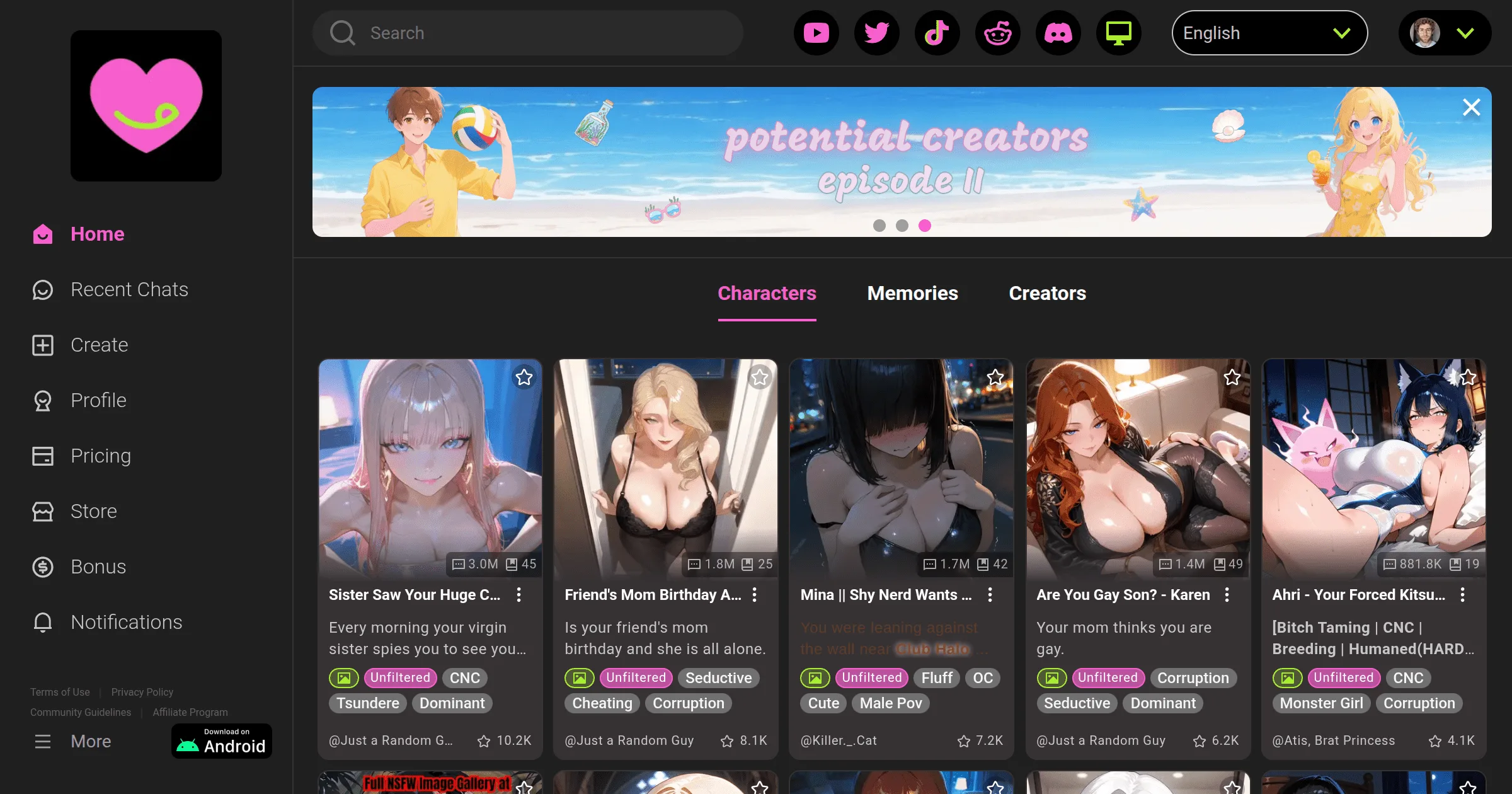
The simplest way to get started with CrushOn AI is to open crushon.ai in a browser, create an account, and begin immediately — no installation required. For users who prefer a native mobile app, Android is fully supported via Google Play. iOS users should expect to rely on browser access as the primary option due to regional App Store restrictions on adult content applications.
Web Browser Access — Start in Under 3 Minutes

Compatible with: Chrome, Firefox, Safari, Edge on Windows, Mac, Linux, Android, iOS.
The web version is complete — it includes all subscription features, all models, the full character library, image generation, and account management. There is no feature penalty for choosing web access over the native app.
Setup steps:
- Open crushon.ai in any supported browser
- Click Sign Up in the top right
- Enter your email address and create a password
- Confirm you are 18 or older (required)
- Choose a username
- Account is created — free tier activates immediately
- Browse the character library or create your first character
No payment information is required to create a free account.
Desktop PWA option: On Chrome and Edge, CrushOn AI can be installed as a Progressive Web App for a desktop-app-like experience. Look for a small install icon in the address bar, or go to browser menu → "Install CrushOn AI." This creates a launch icon and opens the platform in a standalone window without browser navigation elements.
Android App Installation
The CrushOn AI Android app is on Google Play. Developer: Peekaboo Tech Inc.
Install steps:
- Open Google Play on your Android device
- Search for CrushOn AI — verify the developer name before installing
- Tap Install
- Once installed, tap Open
- Log in with your existing crushon.ai account, or create a new account within the app
- Complete age confirmation
- Begin using the platform
Note: Play Store availability varies by region. If CrushOn AI does not appear in search, the app is not available in your regional Play Store. Use web browser access as the alternative — full feature parity.
APK safety note: Do not install APK files claiming to be CrushOn AI from any unofficial source. Unofficial APKs carry significant security risk. The Play Store or official website are the only safe access routes.
iOS Access Options
Apple's App Store content policies result in regional restrictions for adult content apps including CrushOn AI. The native iOS app may not be available in your country's App Store.
Primary iOS method — Safari browser:
Safari on iPhone and iPad is fully capable of running crushon.ai with all features. Mobile web access is complete — chat, image generation, subscriptions, and account management all work in Safari.
Home screen shortcut (pseudo-app experience):
- Open crushon.ai in Safari
- Tap the Share button (box with upward arrow)
- Scroll down and tap Add to Home Screen
- Confirm the name and tap Add
- An icon appears on your home screen that opens crushon.ai directly in a dedicated view
This is not a native app but provides convenient direct access and a fullscreen experience that removes most browser chrome.
TestFlight (when available):
CrushOn AI has periodically offered iOS beta builds through Apple's TestFlight program. Check the official CrushOn AI Discord for current TestFlight links. TestFlight builds require periodic renewal (every 90 days).
First Login and Account Setup
After creating your account:
Set content preferences: Account settings allow you to configure content rating filters — what type of content displays in character browsing. Adjust this to match your preferences and confirm your age verification status for NSFW access.
Explore the character library: Browse by genre, content rating, or popularity. The search function works well for specific character types or archetypes.
Create a character (optional): Character creation is free. Access it from the main navigation "Create" button. See our character creation guide for detailed instructions.
Free tier limitations: Your account starts on the free tier — 50 messages/day, no NSFW content, default model only. Upgrade at any point from account settings → subscription. See our pricing guide for tier comparison.
Ready to try CrushOn AI?
Visit CrushOn AIFrequently Asked Questions
No — account creation is required before accessing any chat or character library features. Account creation is free with just an email address.
Yes — your account can be logged in across multiple devices simultaneously. Web, Android app, and iOS browser access can all be active with the same account. Chat history and subscriptions are account-level, not device-specific.
Functionally yes — all features available on the web are available in the app. The app adds push notifications and may provide slightly smoother scrolling in conversation threads on some devices. Feature gaps occasionally exist briefly when one version receives an update before the other.
Use the web version at crushon.ai. This is the recommended approach regardless of Play Store availability — the web version provides identical features to the app, works on any browser, and requires no installation. It is the more universally accessible option.